
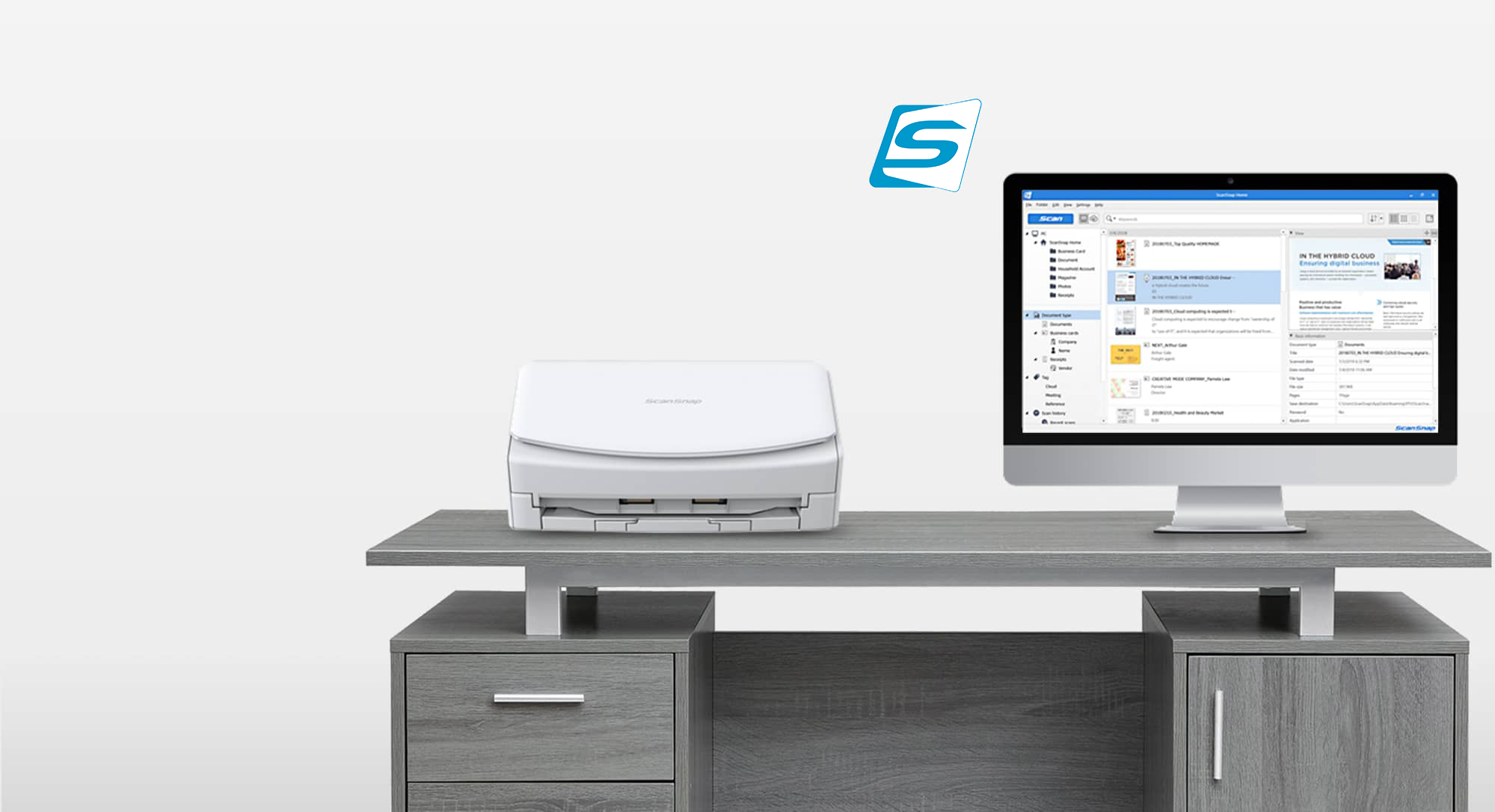
ScanSnap Home (for mobile) is a new application designed to enhance its ScanSnap product series. It works with Wi-Fi-enabled ScanSnap iX100, iX1300, iX1500, iX1600 and iX2500 scanners to help users organise, manage, and edit data from one application, making digitising everything, from tax documents to precious photographs, easier.
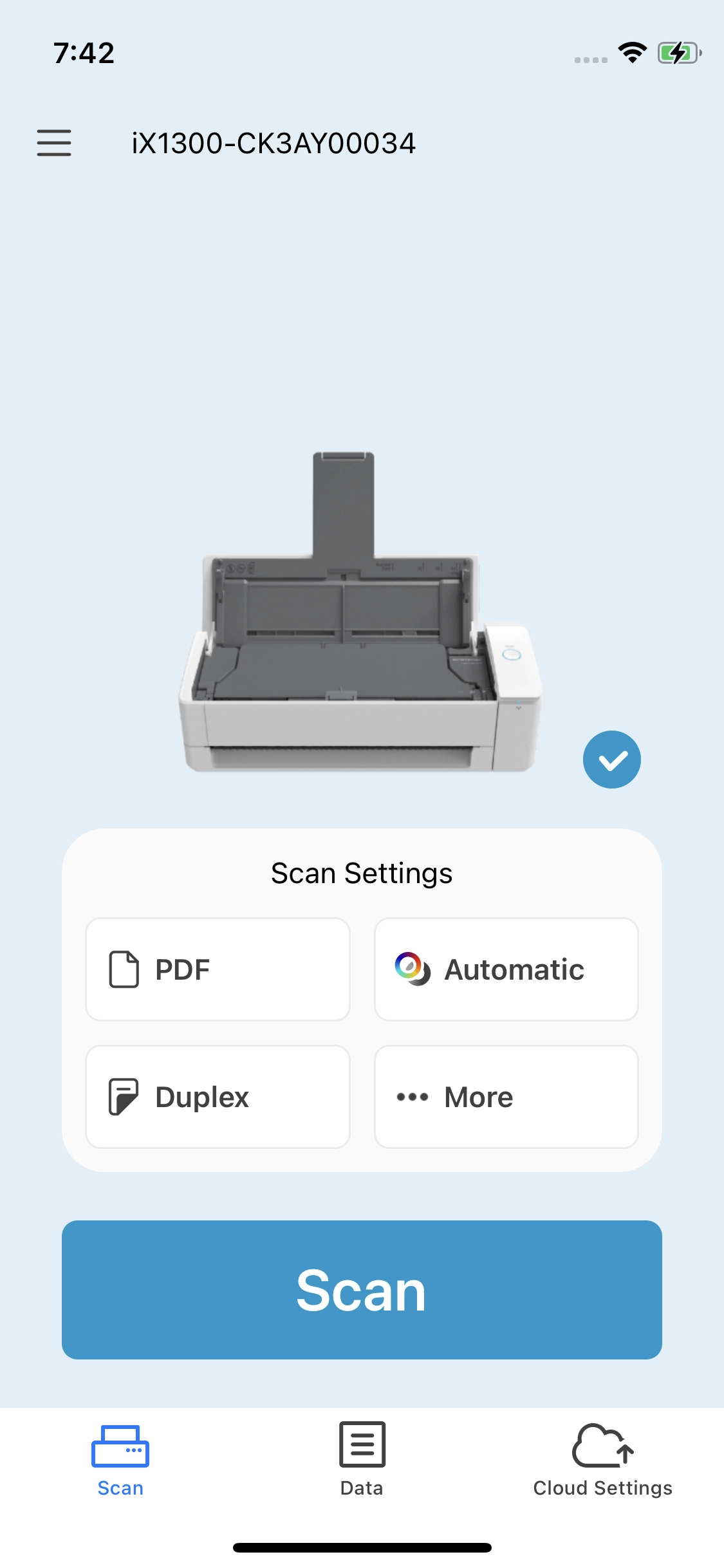
Intuitive user interface for easier operation
With the user-friendly interface, you can see your scan settings, such as file format and colour mode, at a glance. Searching and viewing scanned data is also very quick and easy.
Just tap to share scanned data with family and friends
Link up with your regular chat applications, messages, and other social network applications by tapping on the share icon on your smartphone device. Utilise your scanned data to enrich communication with your family and friends. ScanSnap Home (for mobile) is even useful to facilitate communication with your colleagues at work for better work efficiency.
ScanSnap Cloud settings completed on mobile devices
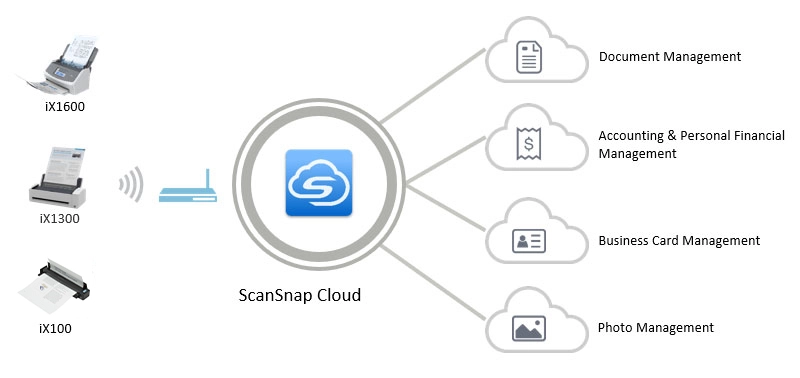
Setting up "ScanSnap Cloud", a service that delivers scanned data directly from your ScanSnap to various cloud services, can be completed on mobile devices without a PC. After setting up ScanSnap Cloud, ScanSnap automatically recognizes the type of scanned document ("Documents", "Business Cards", "Receipts", or "Photos") and saves the data to your preferred cloud service according to your setting. With ScanSnap Home (for mobile), you can also view the data history sent via ScanSnap Cloud.
Features
-

Scan to mobile
Scan directly to your mobile device
-

Wireless
Supports all ScanSnap wireless models including iX100, iX1300, iX1500, iX1600 and iX2500
-

Automatic Rotation
Recognises the orientation of the document and automatically corrects it, just as it would when scanning to a PC
-

ScanSnap Sync
Automatically uploads scanned images to One Drive, Dropbox, or Google Drive
-

Easy
Just press the blue button in the App
-

Instant Access
Access your scanned files on the go and easily send scans to others

ScanSnap Go: Temporarily connect your smartphone to the iX2500
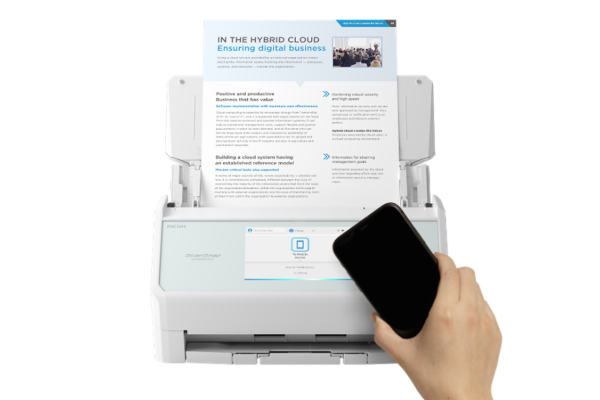 With ScanSnap Go, you can establish a quick connection simply by bringing your smartphone close to the scanner,*1*2 instantly applying your personal scan settings. Once disconnected, the temporarily applied user information is cleared from the scanner, ensuring secure short-term use in shared environments.
*1 Currently available on the ScanSnap iX2500.
*2 ScanSnap Go is not supported in ChromeOS environments.

ScanSnap Camera: instantly digitise paper documents from your smartphone
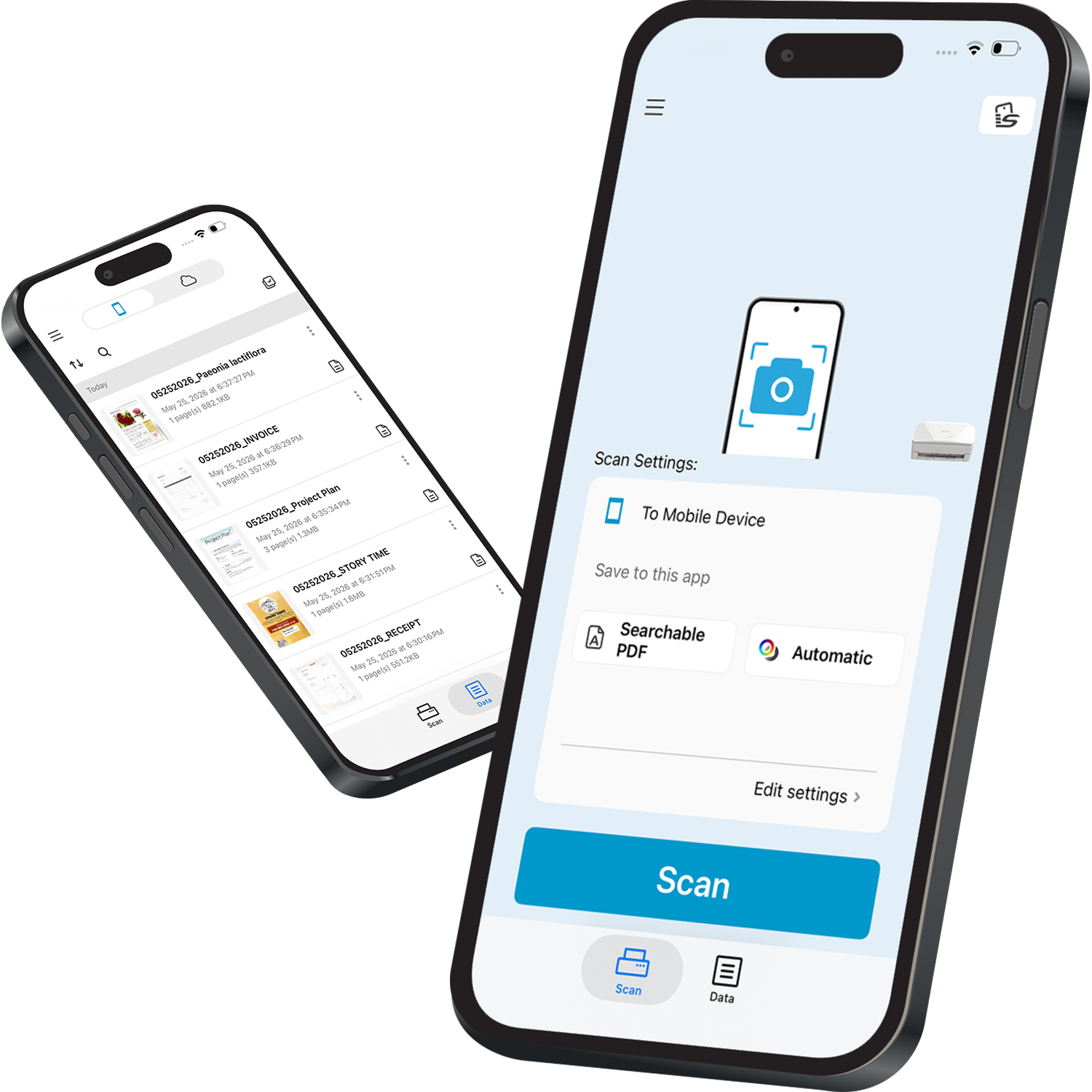 With ScanSnap Camera*1 you can easily turn paper documents into clean, searchable PDFs simply by capturing them with a smartphone camera.
Powered by image processing technologies developed through the ScanSnap series, it automatically applies corrections such as automatic cropping, automatic rotation, background removal and perspective correction for a fast and seamless digitisation experience.
Even people who do not own a ScanSnap scanner can digitise paper documents anytime and anywhere.
*1 Currently available only in regions where ScanSnap Cloud is supported. Please visit here for supported regions.
ScanSnap Home (for mobile) FAQs
-
Supported scanners
-
What are the operating system requirements?
-
Functions available in ScanSnap Home and ScanSnap Home (for mobile)